Profiling android battery usage
ADB shell access is needed so enable developer mode and allow ADB in developer settings. ADB over tcp can be useful, but USB3 is much faster.
Initiate logging#
Lets start measuring and logging, preferably with almost empty battery.
Connect phone to computer with USB and reset battery stats.
adb shell dumpsys batterystats --reset
Charge the phone to 100%. Then use the phone normally until something interesting happens, like severe battery drain.
Fetch device logs for analysis#
cd /tmp
adb shell dumpsys batterystats > batterystats.txt
adb bugreport bugreport.zip
Prepare the profiler, x64 platform assumed#
docker run -p 9999:9999 itachi1706/battery-historian:stable-3.1 --port 9999
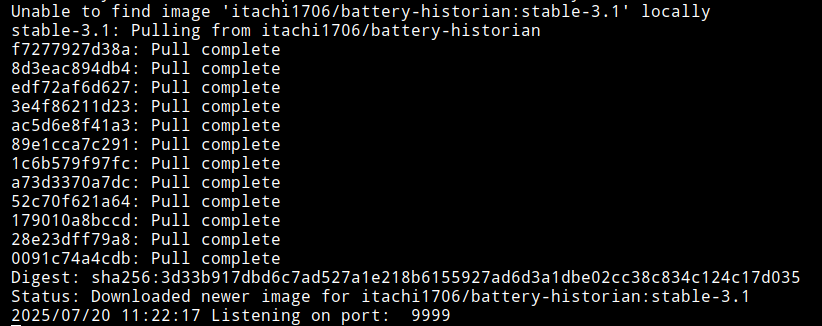
The battery profiler is now running in container and is ready for use.
Access the profiler#
Point your browser at http://localhost:9999/
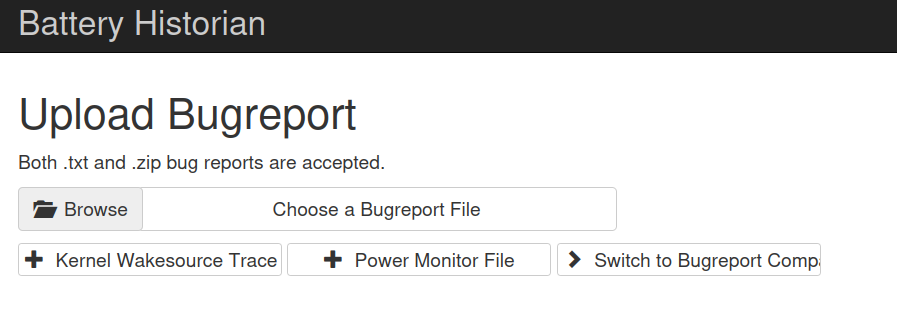 Submit the earlier generated
bugreport.zip to the form.
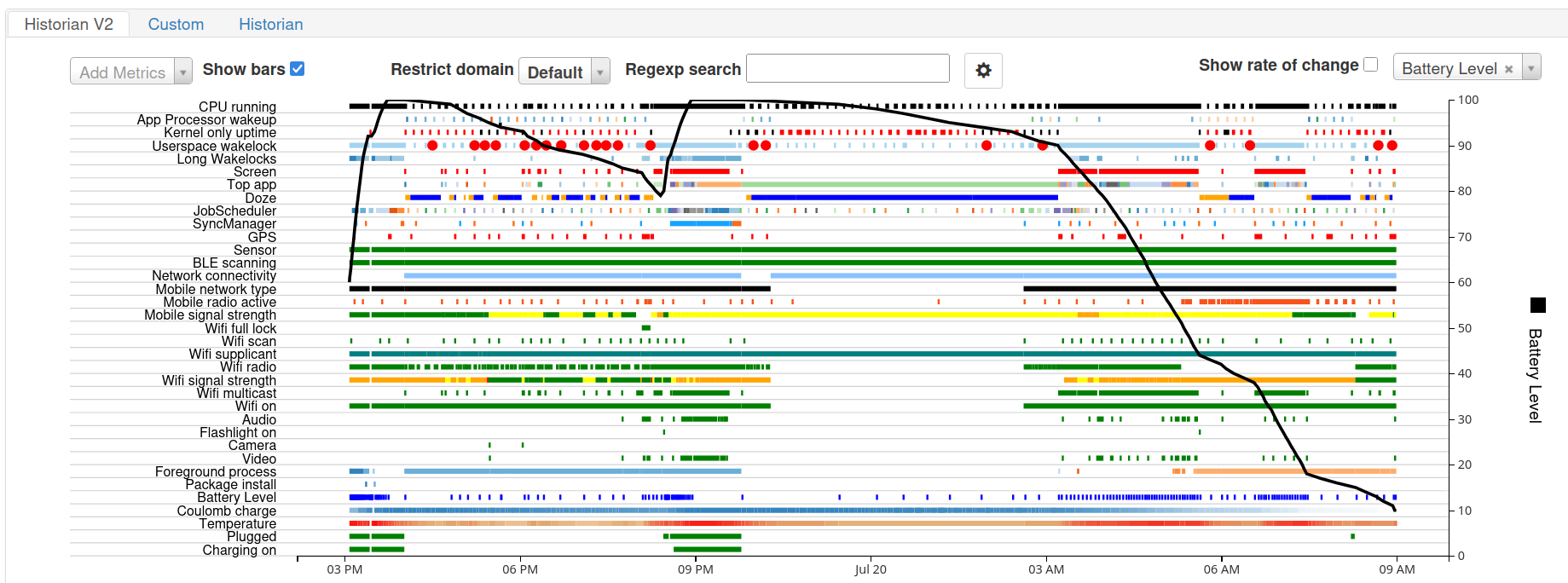
After a while, bettery usage timeline will appear.
Use mouse to zoom and pan, hover to view event details (process, time, current draw etc)